> ## Documentation Index
> Fetch the complete documentation index at: https://docs.zyme.sh/llms.txt
> Use this file to discover all available pages before exploring further.
# Workflow Preferences
> Configure advanced workflow settings such as appearance, availability, payment, and access controls to customize how workflows are shared and used.
## Overview
Workflow preferences let you fine-tune the details of how your workflow looks, when it’s available, and how people can interact with it. These settings ensure each workflow matches the context, audience, and goals you have in mind.
## General
Update the basic information for your workflow:
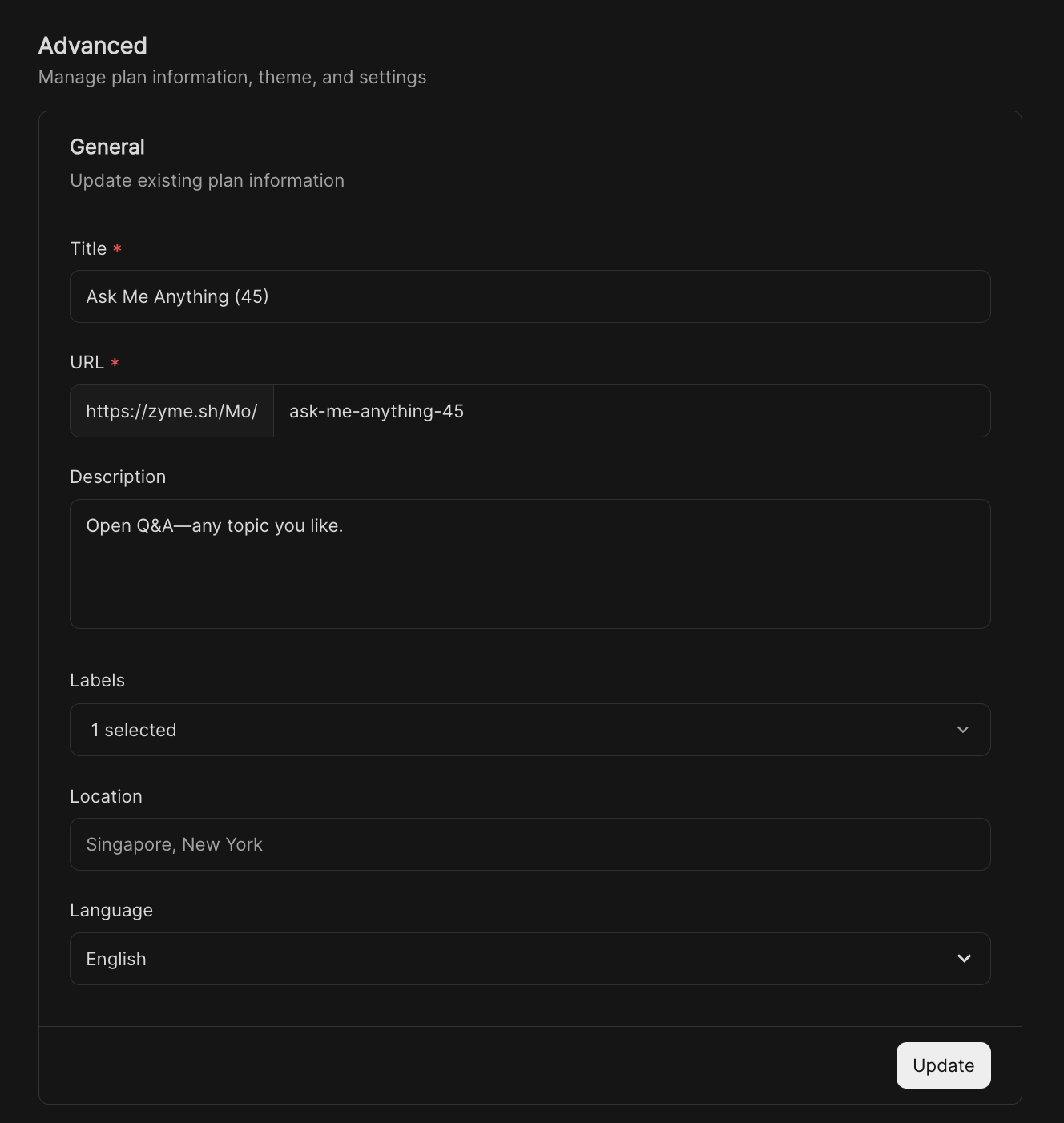 * **Title** – The name displayed to collaborators and clients.
* **URL** – Customize the shareable link to make it memorable.
* **Description** – Provide context, goals, or extra details about the workflow.
* **Labels** – Add tags to organize workflows by category, priority, or team.
* **Location** – Define where this workflow applies (e.g., Singapore, New York).
* **Language** – Select the default display language.
***
## Appearance
Control how the workflow looks:
* **Title** – The name displayed to collaborators and clients.
* **URL** – Customize the shareable link to make it memorable.
* **Description** – Provide context, goals, or extra details about the workflow.
* **Labels** – Add tags to organize workflows by category, priority, or team.
* **Location** – Define where this workflow applies (e.g., Singapore, New York).
* **Language** – Select the default display language.
***
## Appearance
Control how the workflow looks:
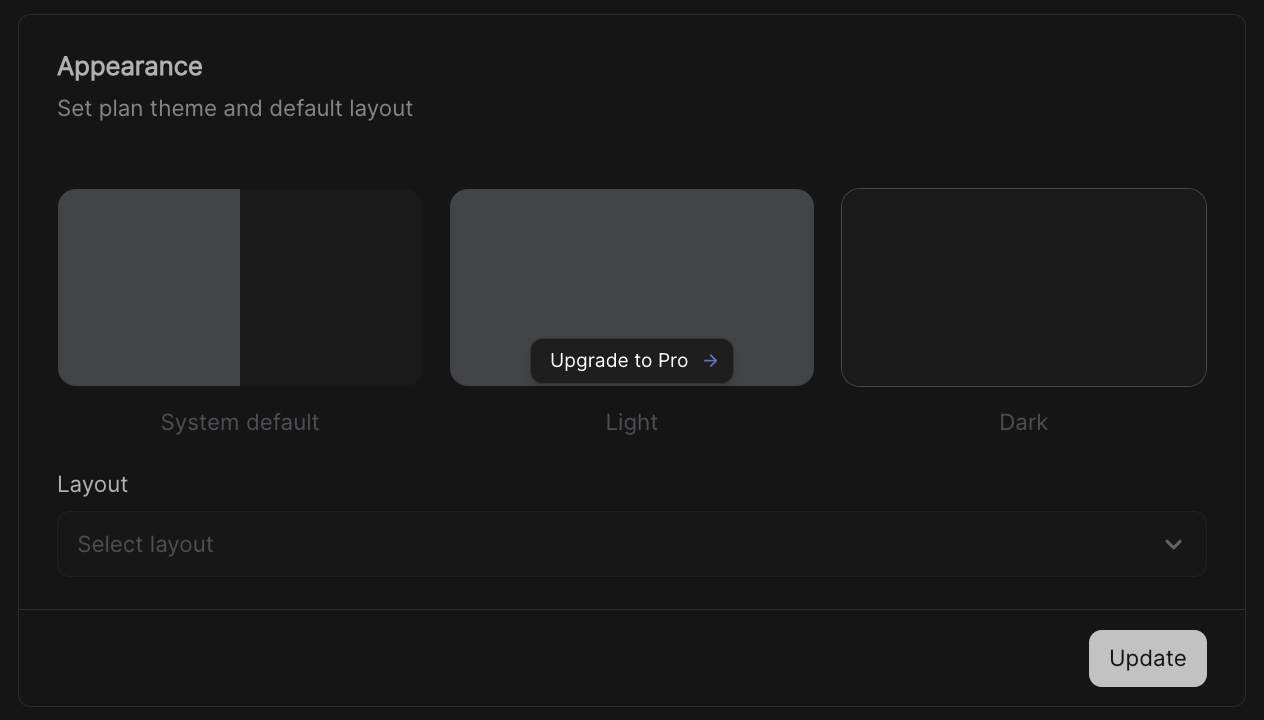 * **Theme** – Choose between **System default**, **Light**, or **Dark**.
* **Layout** – Select a preferred layout option for displaying the workflow.
These changes affect how the workflow is presented to both you and participants.
***
## Availability
Set when the workflow and its booking options are active:
* **Theme** – Choose between **System default**, **Light**, or **Dark**.
* **Layout** – Select a preferred layout option for displaying the workflow.
These changes affect how the workflow is presented to both you and participants.
***
## Availability
Set when the workflow and its booking options are active:
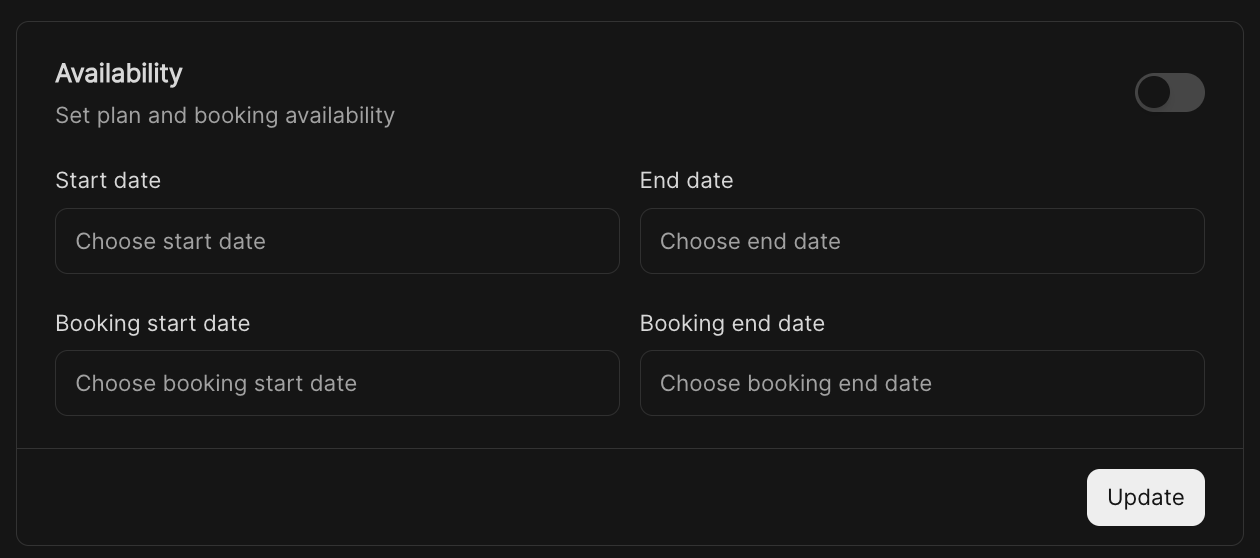 * **Start / End date** – Control the overall availability window.
* **Booking start / end date** – Limit when bookings can be made, separate from the workflow’s visibility.
Turning availability on ensures workflows are only accessible at the right times.
***
## Available Spots
Limit the number of bookings allowed:
* **Start / End date** – Control the overall availability window.
* **Booking start / end date** – Limit when bookings can be made, separate from the workflow’s visibility.
Turning availability on ensures workflows are only accessible at the right times.
***
## Available Spots
Limit the number of bookings allowed:
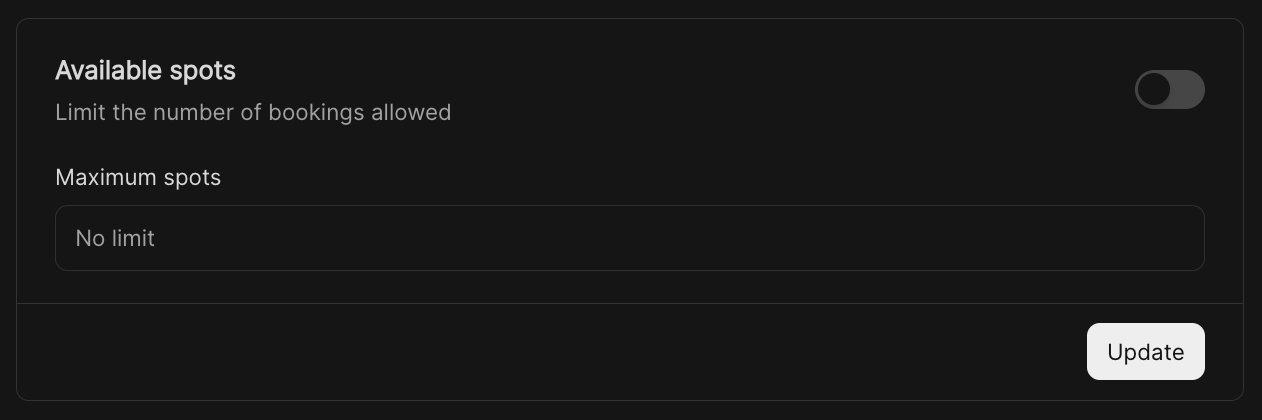 * **Maximum spots** – Set a cap on how many people can join.
* **No limit** – Leave open if you want unlimited participation.
This is useful for events, sessions, or plans where capacity matters.
***
## Violator
Add urgency or scarcity with a custom label:
* **Maximum spots** – Set a cap on how many people can join.
* **No limit** – Leave open if you want unlimited participation.
This is useful for events, sessions, or plans where capacity matters.
***
## Violator
Add urgency or scarcity with a custom label:
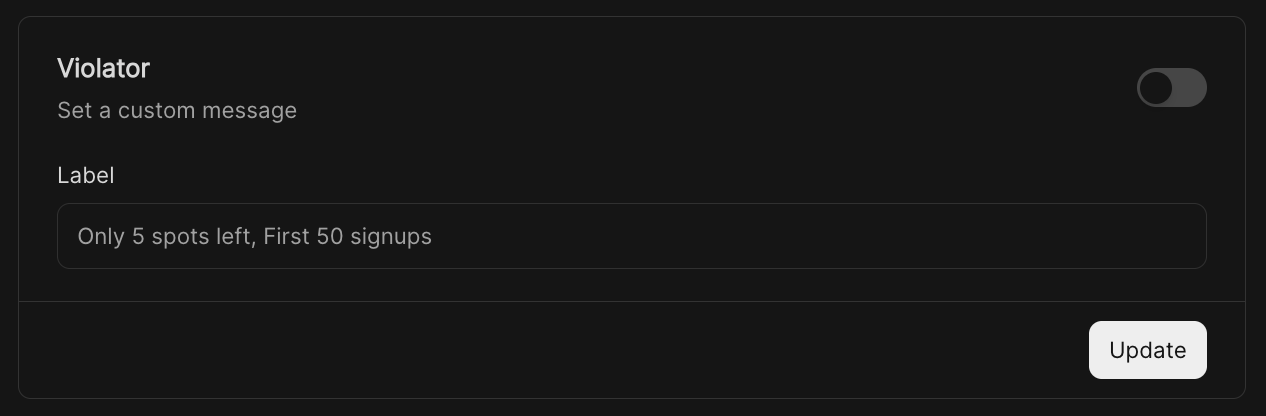 * Example: *“Only 5 spots left”* or *“First 50 signups”*.
* The label is displayed directly in the booking view.
***
## Payment
Set up paid workflows if applicable:
* Example: *“Only 5 spots left”* or *“First 50 signups”*.
* The label is displayed directly in the booking view.
***
## Payment
Set up paid workflows if applicable:
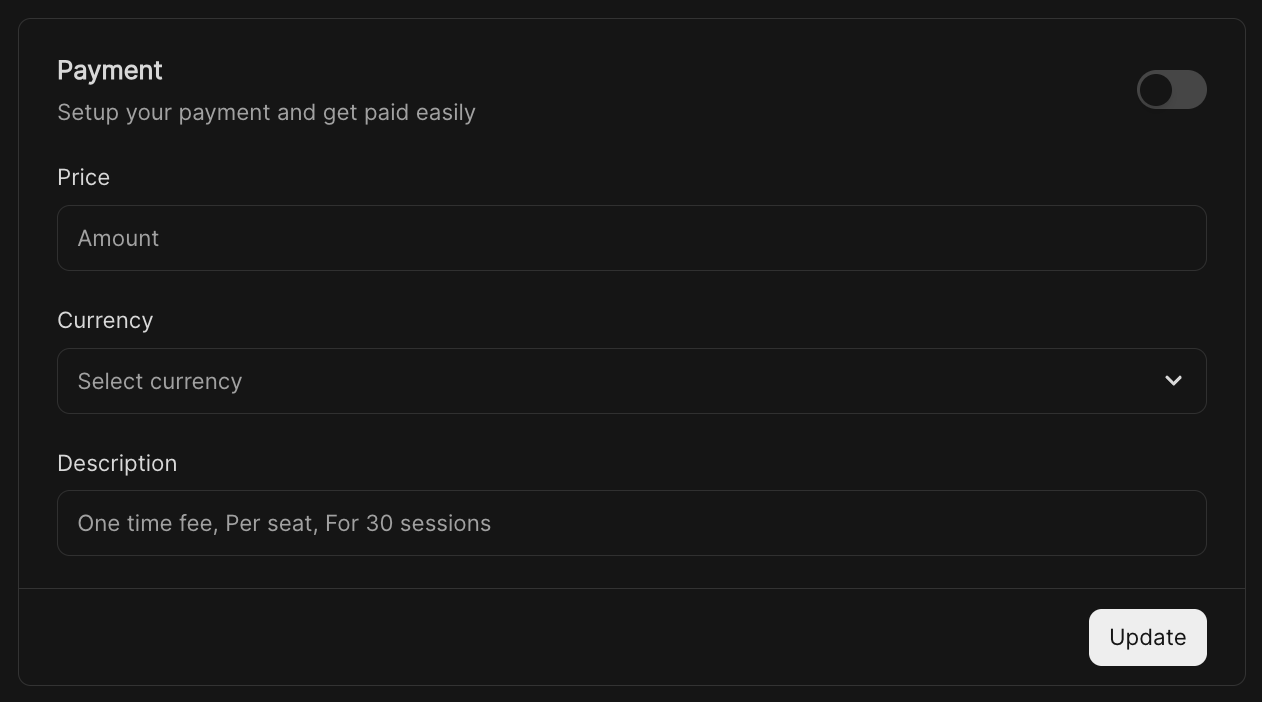 * **Price** – Define the amount for participation.
* **Currency** – Choose the currency for payments.
* **Description** – Add context such as *“One-time fee”* or *“Per seat, 30 sessions”*.
This allows you to monetize workflows securely.
***
## Private Access (via links)
Keep a workflow private but shareable with select participants:
* **Price** – Define the amount for participation.
* **Currency** – Choose the currency for payments.
* **Description** – Add context such as *“One-time fee”* or *“Per seat, 30 sessions”*.
This allows you to monetize workflows securely.
***
## Private Access (via links)
Keep a workflow private but shareable with select participants:
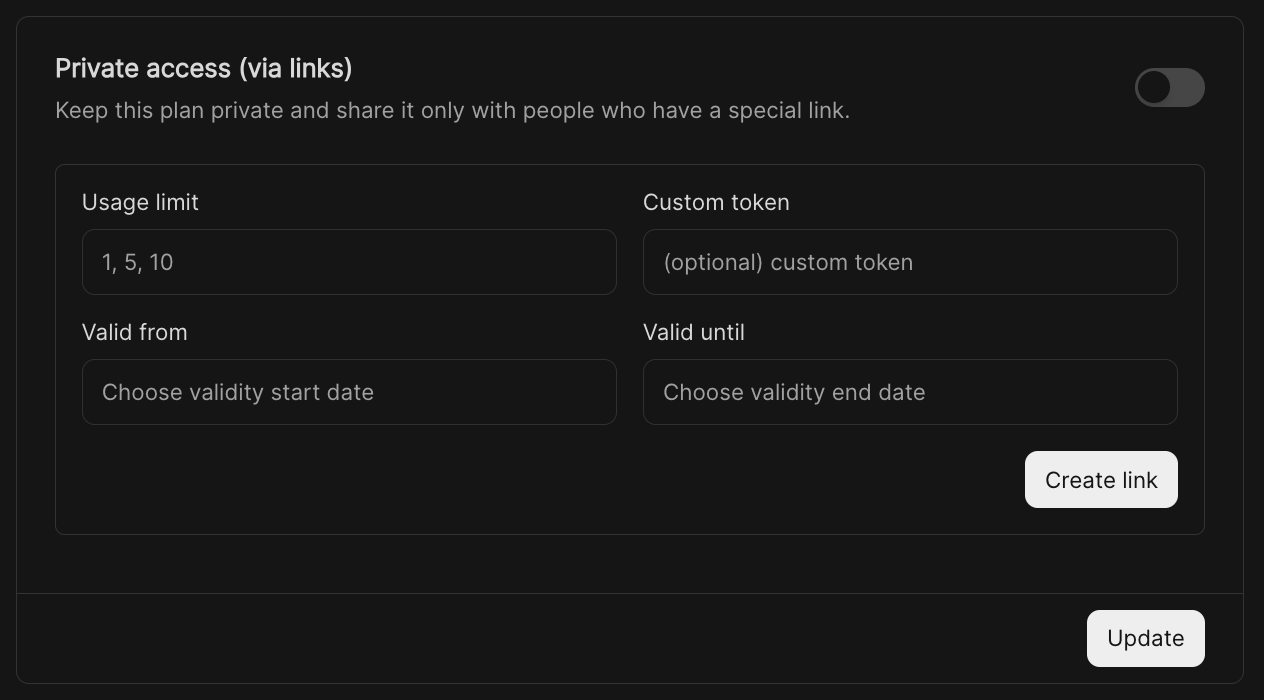 * **Usage limit** – Restrict the number of times the link can be used.
* **Custom token** – Add an optional identifier for the link.
* **Valid from / until** – Control the time window when the link works.
You can generate and share multiple access links to different groups.
***
## Booking Button
Customize the call-to-action for booking:
* **Usage limit** – Restrict the number of times the link can be used.
* **Custom token** – Add an optional identifier for the link.
* **Valid from / until** – Control the time window when the link works.
You can generate and share multiple access links to different groups.
***
## Booking Button
Customize the call-to-action for booking:
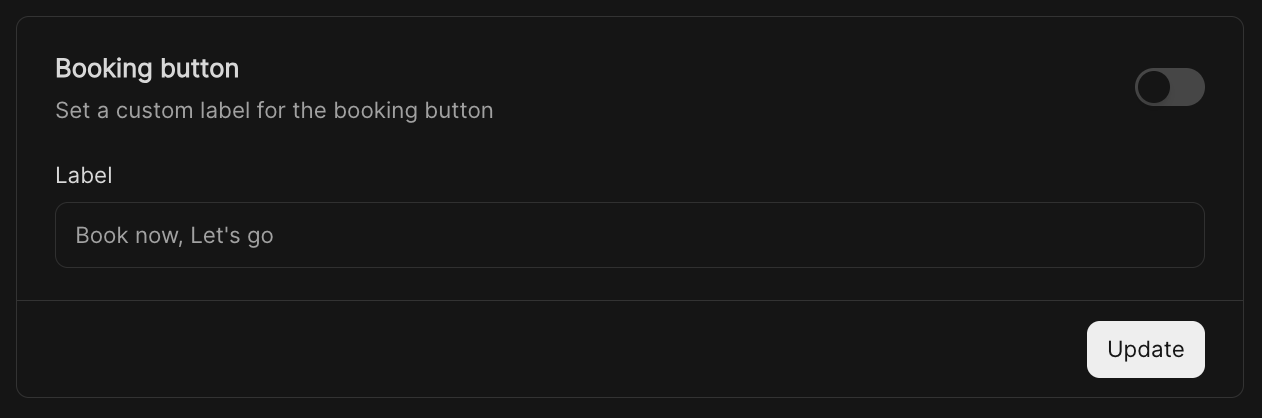 * Example: *“Book now”*, *“Let’s go”*, or *“Reserve your spot”*.
***
## Other Options
Additional settings to fine-tune the workflow:
* Example: *“Book now”*, *“Let’s go”*, or *“Reserve your spot”*.
***
## Other Options
Additional settings to fine-tune the workflow:
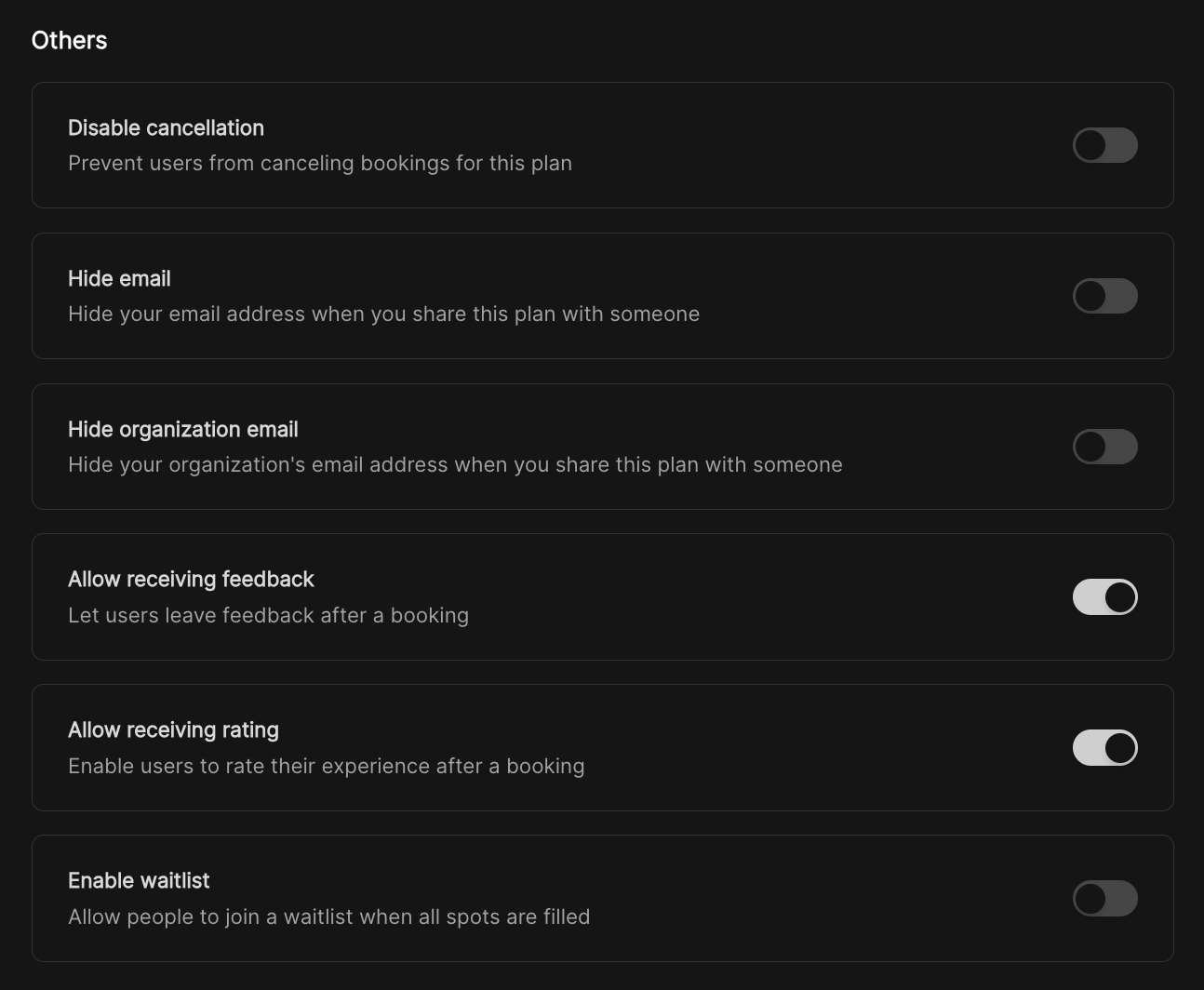 * **Disable cancellation** – Prevent users from canceling bookings.
* **Hide email** – Keep your personal email private when sharing.
* **Hide organization email** – Keep your organization’s email hidden when sharing.
* **Allow receiving feedback** – Let users leave comments after a booking.
* **Allow receiving rating** – Collect star ratings or scores after a booking.
* **Enable waitlist** – Allow people to join a waitlist if spots are filled.
***
* **Disable cancellation** – Prevent users from canceling bookings.
* **Hide email** – Keep your personal email private when sharing.
* **Hide organization email** – Keep your organization’s email hidden when sharing.
* **Allow receiving feedback** – Let users leave comments after a booking.
* **Allow receiving rating** – Collect star ratings or scores after a booking.
* **Enable waitlist** – Allow people to join a waitlist if spots are filled.
***