

Overview
In Account → Preferences → General, you can set preferences for your zyme workspace.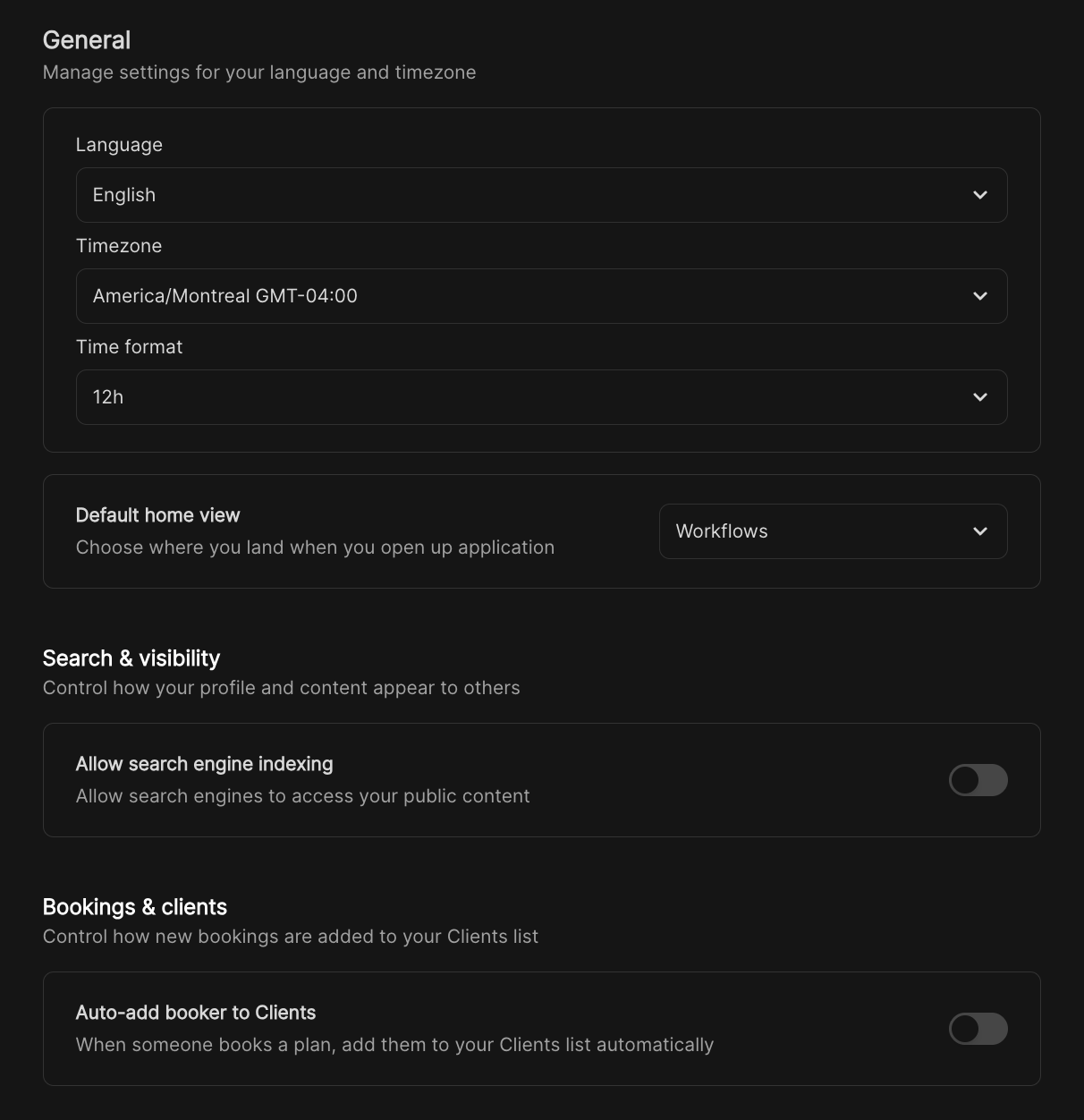
General
The General section lets you customize the core aspects of your experience:- Language: Select the language used across the platform.
- Timezone: Choose the timezone appropriate for your location.
- Time format: Pick how time is displayed across the app: 12-hour or 24-hour.
- Default home view: Decide which view you land on each time you open the application.
Search and visibility
Manage how your profile and content is seen by others:- Allow search engine indexing: Toggle this option to allow (or disallow) public content from being indexed by search engines.