

Overview
In Account → Preferences → Profile, you can personalize your zyme workspace.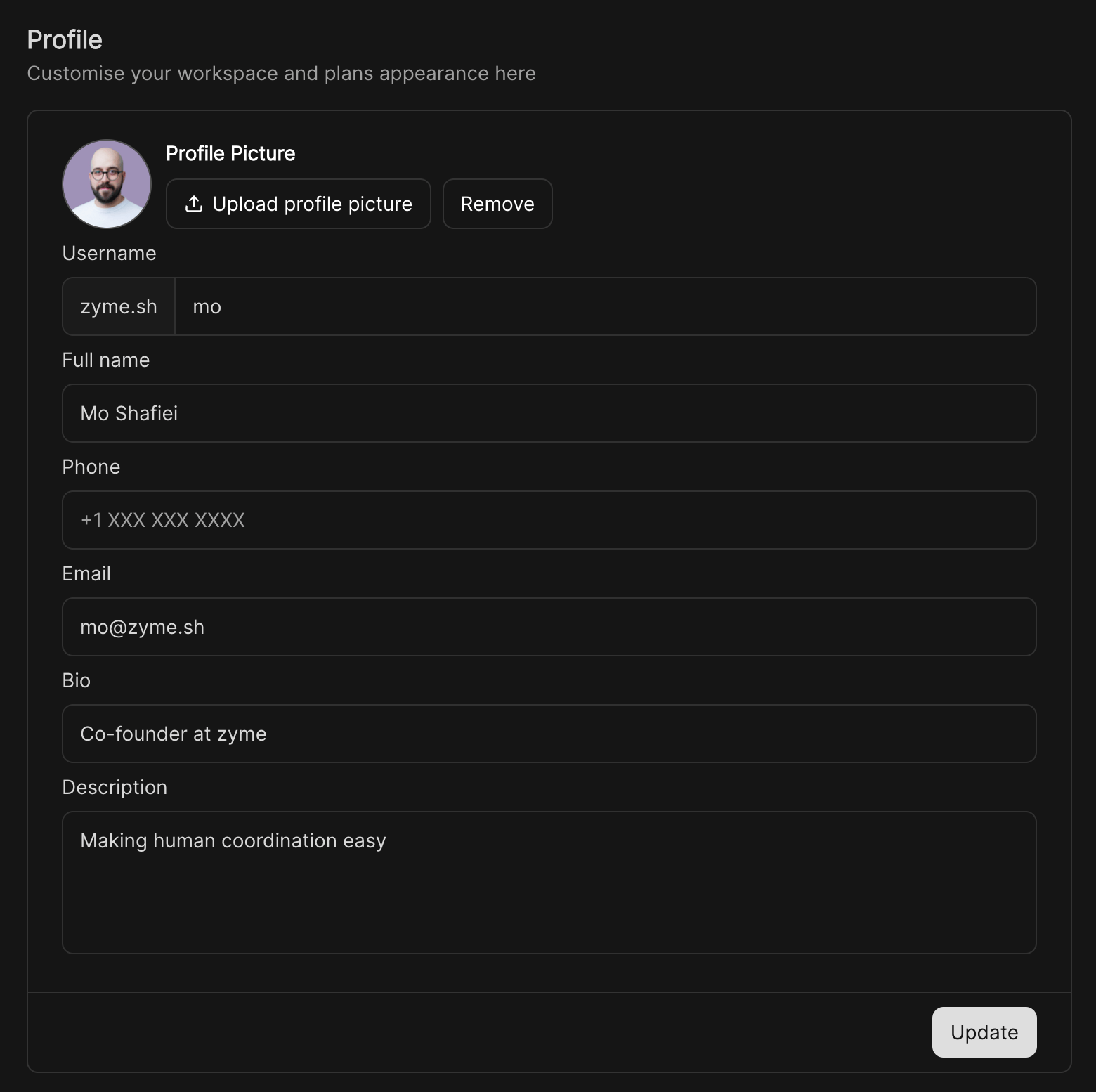
Set your profile picture
The default avatar will be the first and last initials of your account. To add a new photo, hover over the avatar until the edit pencil icon shows up, and click on it. A pop-up folder will show up for you to select the photo you want to update.Name and username
Under Account → Preferences, members can choose to show full names or usernames. You can also set how you’d like your name to appear to others.Email address
Your email address is your unique ID (User Account) for all workspaces you have created a User for. For example:Change your email address
To change your email address:1
Go to Account → Profile
Open your account settings and navigate to the Profile section.
2
Edit your email
Hover over your current email address and click on the field to edit.
3
Confirm the change
A confirmation email will be sent to both your old and new email addresses.
You must click the link in both emails for the change to take effect.
You must click the link in both emails for the change to take effect.
4
Important note
Changing your email updates it across all workspaces linked to your previous address. If you only want to update one workspace, invite your new email as a separate member and then leave the workspace using your old account.