

Oveview
zyme supports multiple login methods so clients and planners can access the platform in the way that works best for them.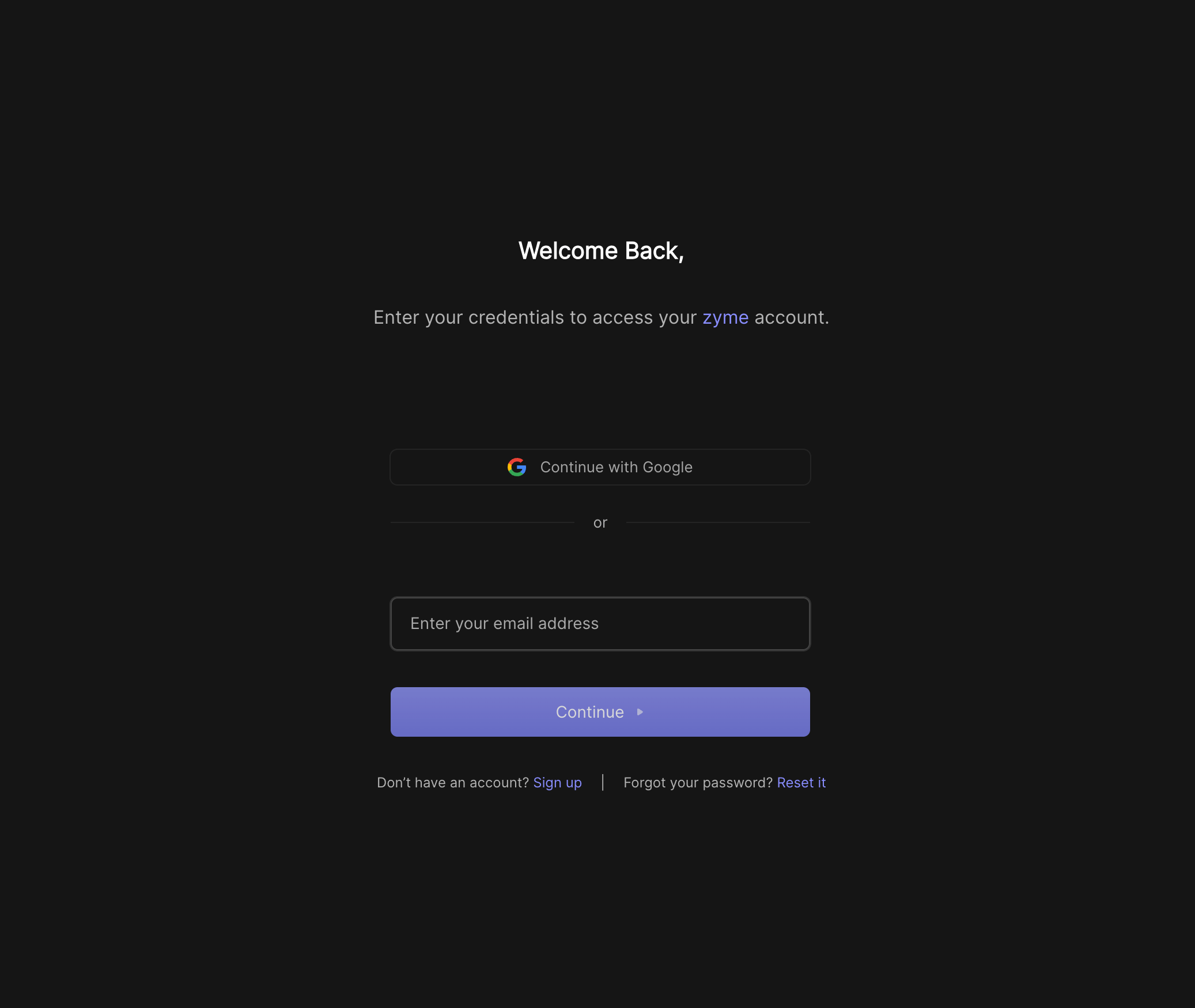
Username & Password
Create an account with a username and password. This is the most flexible option if you don’t want to link an external account.One-time password (OTP)
On the Playground page, you can log in with a one-time password (OTP).- Enter your email, and we’ll send you a temporary code.
- Use the code to log in instantly without setting up a password.
Signing up
If you don’t already have a zyme account:- Click Sign up on the login page.
- Choose your preferred method (Google, or Username & Password).
- Complete the signup flow.
Best practices
- Use Google or login for the fastest setup.
- Use username & password if you prefer a standalone zyme account.
- Use OTP for quick, temporary access on the Playground.
- Always keep your credentials private and secure.